
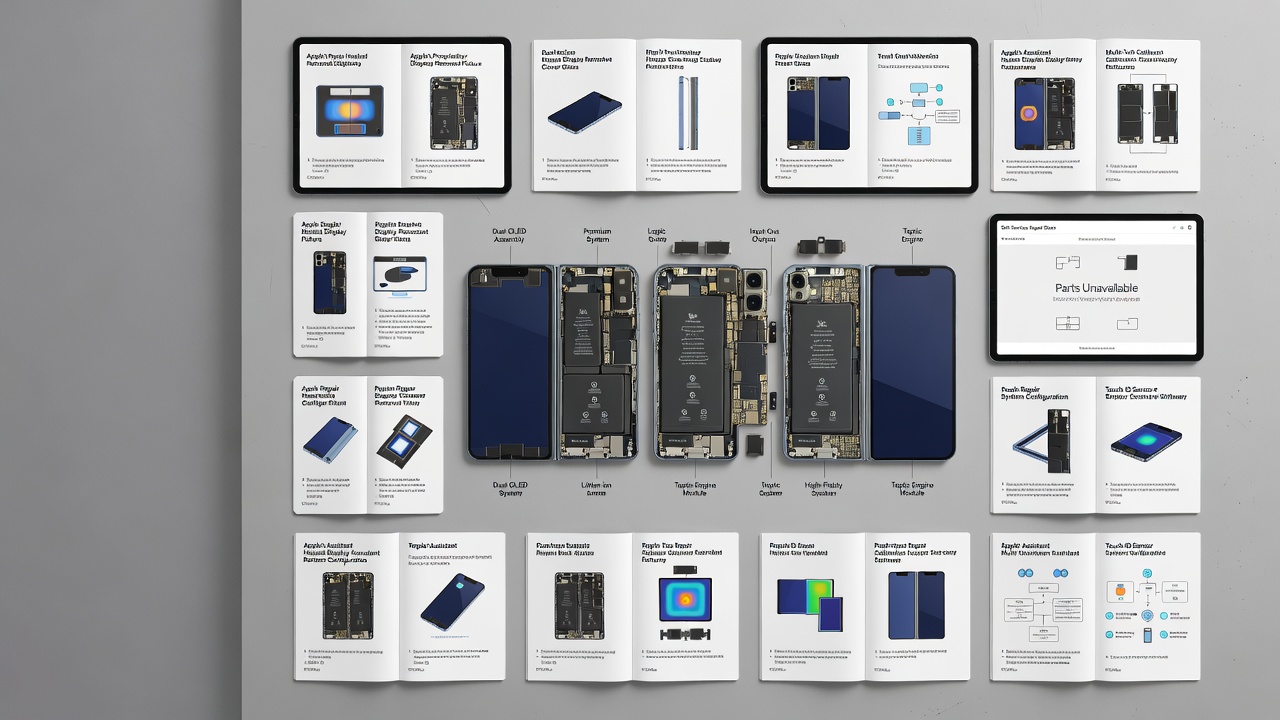
Apple released detailed do-it-yourself repair documentation for the iPhone Duo on October 23, the same day the foldable device hit store shelves. The guides walk technicians and experienced owners through 22 separate procedures, but genuine replacement parts were not yet available through Apple's Self Service Repair Store at launch, according to 9to5Mac.
What the manuals actually cover
The documentation spans the phone's major systems: both displays, the cover layer and back glass, two separate batteries, the logic board, input/output board, USB-C connector, three cameras, two speakers, the microphone, Taptic Engine, enclosure and physical buttons including Touch ID and Camera Control. Each guide includes internal diagrams, required tools and step-by-step instructions, along with a general preparation guide and an operating manual for Apple's heated display removal fixture.
The sheer number of procedures underscores how different the iPhone Duo is from a conventional iPhone. Its folding design splits components across two halves, requiring separate battery replacement procedures and specialized handling for the inner and outer displays, which are bonded with adhesive and require controlled heat to separate safely.
Why the parts gap matters
Having instructions without matching hardware limits what owners can actually accomplish right now. A repair manual tells someone how to open the device and swap a component, but without a genuine battery, screen assembly or logic board sourced through Apple's program, the job can't be completed to factory specifications. Apple has not indicated when parts for the Duo will appear in its Self Service Repair Store.
Apple also notes that some repairs require follow-up software steps, such as running Repair Assistant or System Configuration, to calibrate or register new components. A physical swap alone may not restore full functionality in those cases.
Risks and realistic expectations
Apple's documentation includes explicit safety warnings around broken glass and lithium-ion battery handling, both of which carry injury or fire risk if mishandled. The company advises reading an entire manual before starting and proceeding only if the repair feels manageable. For display, hinge or board-level work in particular, Apple suggests that an authorized service provider may be a safer route than a self-repair attempt.
It's also worth noting that self-repair isn't automatically covered under standard warranty terms. Damage resulting from an improper repair may void existing coverage, so owners should check their warranty or AppleCare terms before opening the device. Apple has paired the repair manuals with separate troubleshooting guides covering hinge issues, display and multi-touch problems, and Touch ID faults, giving owners a way to diagnose a problem before deciding whether a part needs replacing at all.